Configuring Header and Menu
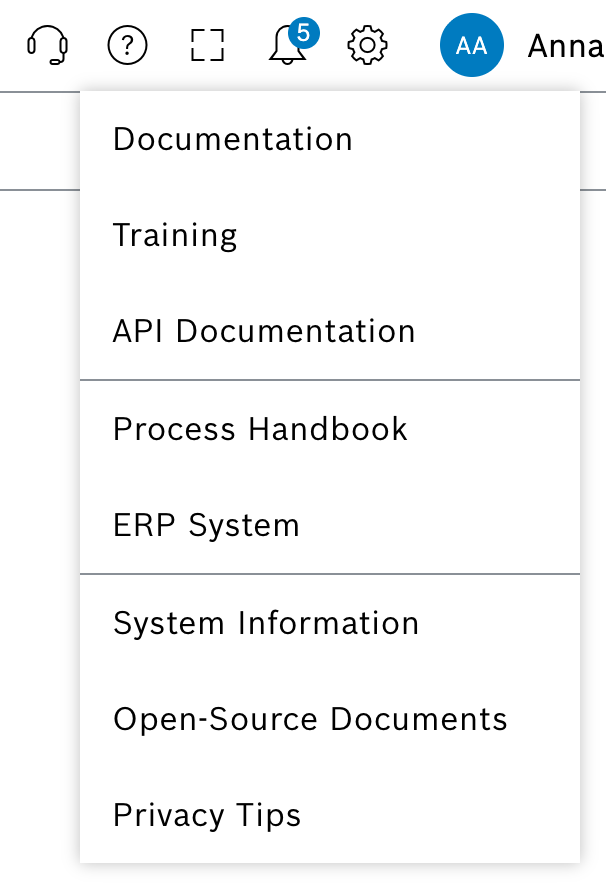
The Header and Menu tab provides settings for dashboard visibility and allows you to configure links and support information that appear in the help menu in the header. You can configure support page settings, customize Documentation and Training links, enable API Documentation, and add up to 5 custom links for organization-specific resources.
|
The settings made here apply to all users in the same organization. |
Requirements
Web Portal Admin role
Procedure
-
On the System Settings page, click the Navigation menu tab.
-
Control the visibility of the Dashboards menu item using the checkbox.
The Dashboards menu item is shown or hidden in the navigation menu for all users of the organization depending on the setting.
|
It may take a few minutes for the changes to the navigation menu to be visible to all users. |
Support configuration
-
To show or hide the Support icon in the header, activate or deactivate the corresponding switch.
-
To embed a custom support page:
-
Enter the URL for the custom support page.
-
To add language-specific URLs, click .
-
When a custom support page is configured, the content is embedded securely in an iframe.
|
When using a custom support page, ensure the URL is accessible to all users and complies with Content Security Policy requirements. |
Documentation link configuration
-
To show or hide the Documentation link, activate or deactivate the corresponding switch.
-
To customize the Documentation link URL, enter the URL in the field.
If the field is empty, the default URL from the environment configuration is used.
-
To add language-specific URLs, click .
The number on the icon indicates how many translations already exist.
-
In the Add translation dialog, enter the URLs for different languages and click Save.
Training link configuration
-
To show or hide the Training link, activate or deactivate the corresponding switch.
-
To customize the Training link URL, enter the URL in the field.
If the field is empty, the default URL from the environment configuration is used.
-
To add language-specific URLs, click .
-
In the Add translation dialog, enter the URLs for different languages and click Save.
API Documentation
To show or hide the API Documentation link, activate or deactivate the corresponding switch.
The API Documentation link cannot be configured to a custom URL.
Custom header links
-
To add custom links, click in the Custom links section.
A maximum of 5 custom links can be added. -
Enter the link title and URL.
Only links starting with http:// or https:// are allowed. -
To add language-specific link titles and URLs, click .
-
When a link is clicked in the header, it opens in a new browser tab. Check Open in current tab to open the link in the same tab instead.
-
To save the configuration, click Save.
The configured links appear in the help menu for all users of the organization.