Creating a dashboard space
Prerequisite
Dashboard Space Admin role
-
Open the Dashboards menu entry.
The spaces overview opens. -
Click Add in the command bar.
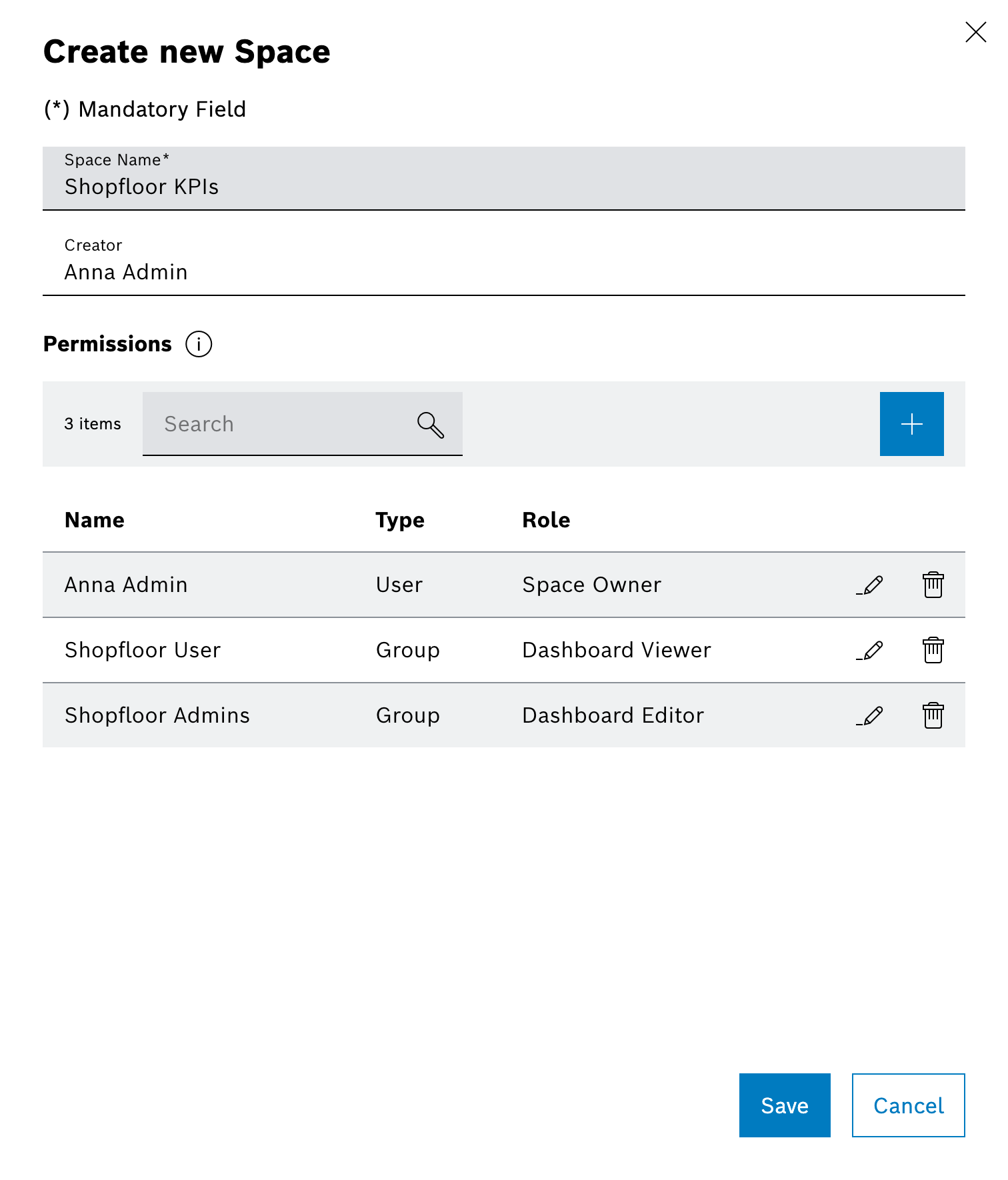
The Create new Space dialog opens. -
Enter the name of the space.
-
In the Permissions section, the creator is automatically assigned as Space Owner and can add further owners, Dashboard Viewers or Dashboard Editors if required.
The permission to create spaces is restricted to prevent unnecessary proliferation of spaces. The space admins are usually not space owners of all spaces, but they can create spaces and assign space owners who then manage the spaces independently.
-
Confirm with Save.
The new space appears in the overview and is available for creating dashboards.