Creating a dashboard
Prerequisite
You have edit permissions in the selected dashboard space.
-
Open the Dashboards menu entry and select the space in which the dashboard should reside.
-
Click Add in the command bar.
-
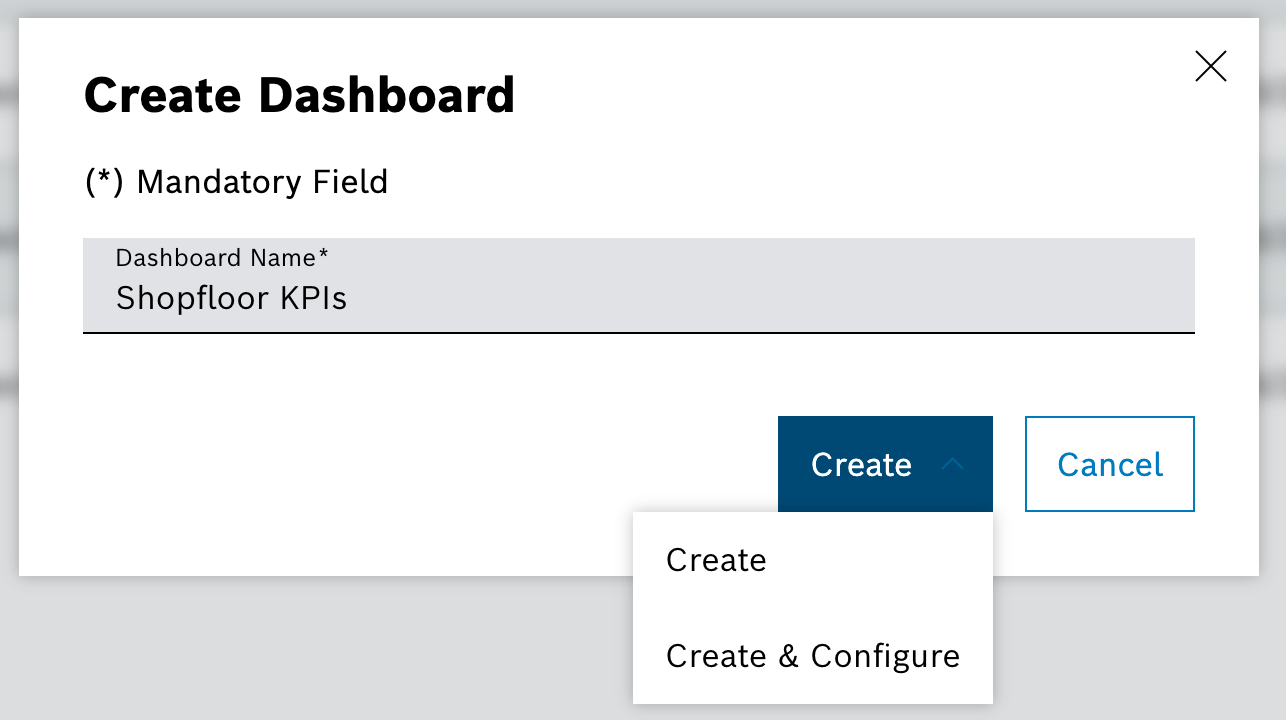
Enter the name of the dashboard and click Create & Configure.
The dashboard is created and opened in view mode.
The dashboard is created in the selected space and is available to all users with access to that space. Dashboards stored in My Space are private and only visible to the creator.
For layout changes and widget configuration, see Editing a dashboard.