Navigating Industrial Application System
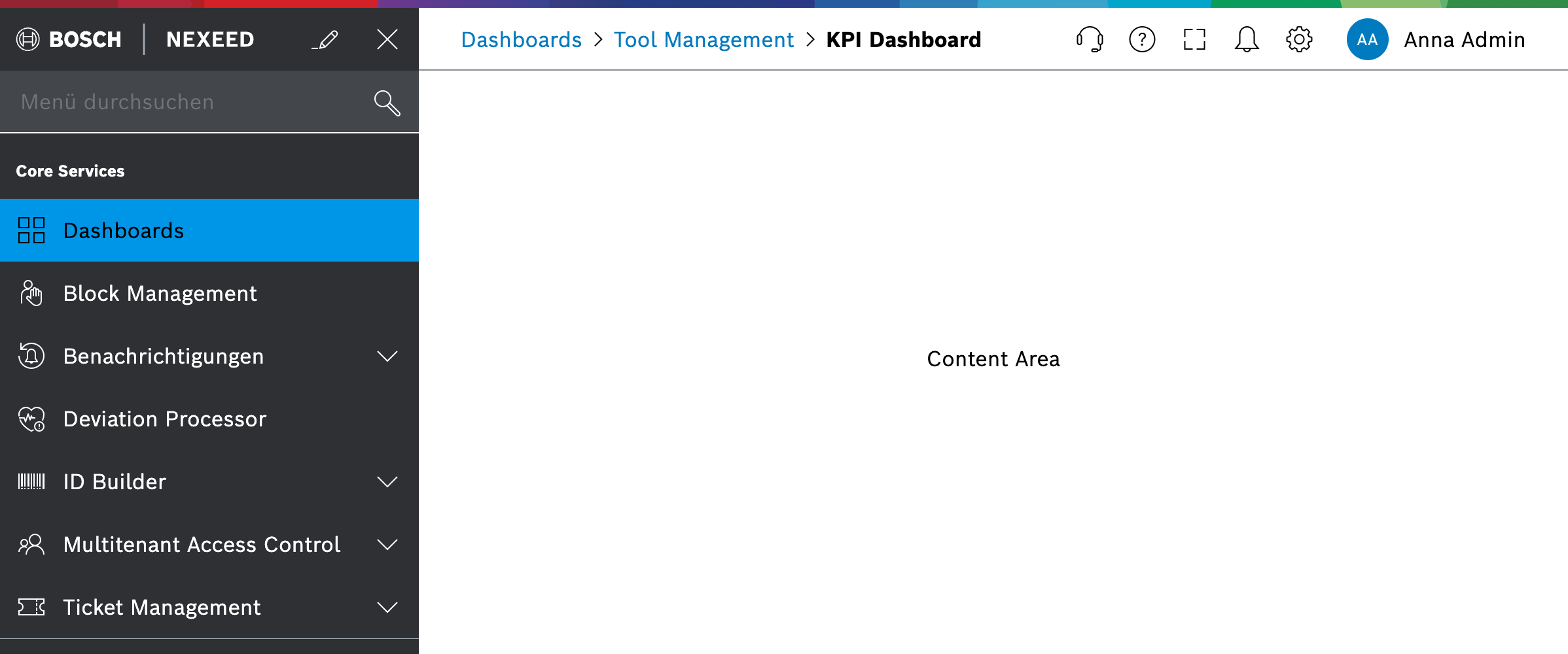
Web Portal provides two main orientation areas to guide users through Industrial Application System: the navigation menu on the left and the header on the top.
The navigation menu lists all modules and views that the user can access. When a user clicks on a menu entry, Web Portal shows the selected module view in the content area.
This section explains how the orientation elements work together and links to detailed descriptions.