Support
The support page provides contact information for the support team responsible for your organization. Click in the header to open the support page.
The support page can be configured by the organization and might look different than the default support page shown in the image below.
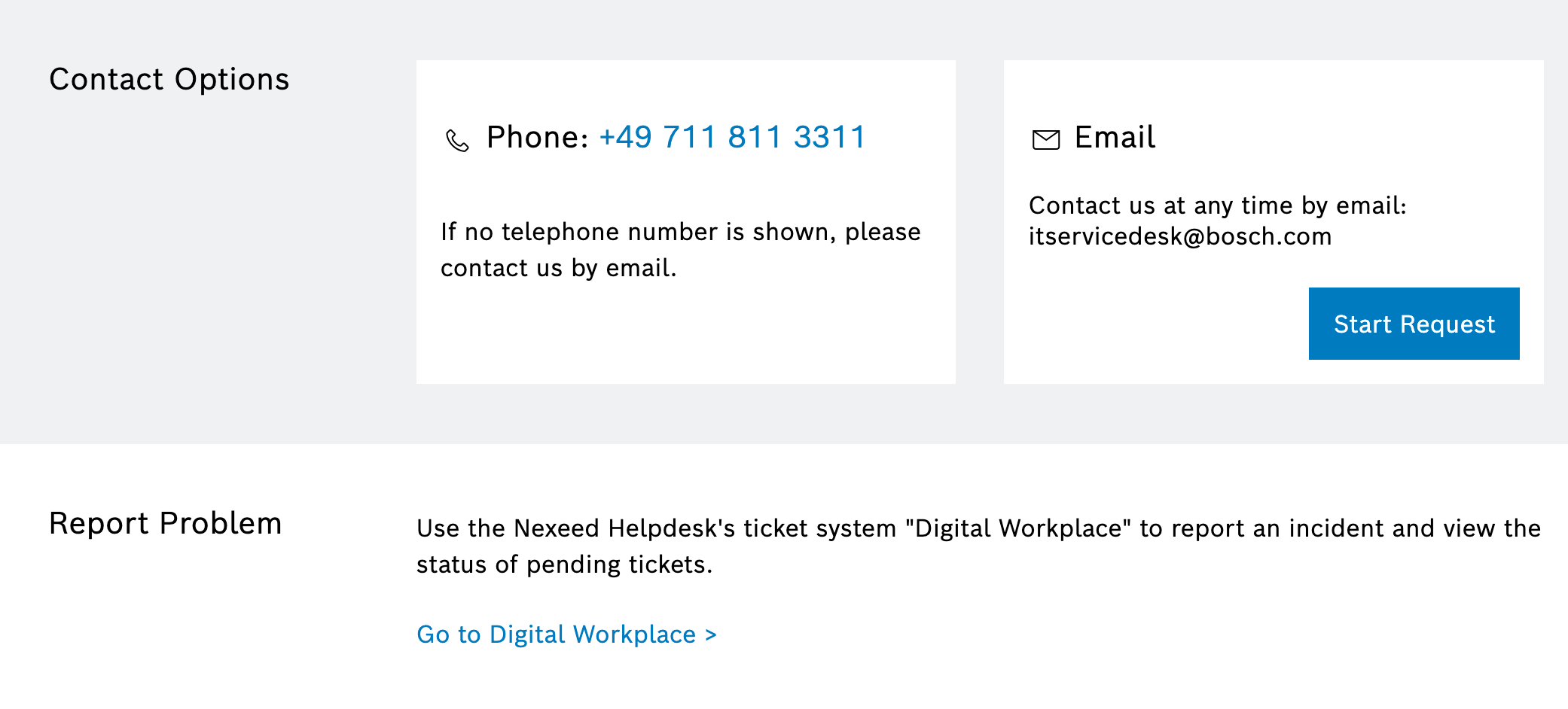
Support page configuration
The support page displays different content depending on how it is configured:
Standard support page
-
Email address with default email template when clicked on Start request button
-
Phone number
-
Link to the ticket system in Digital Workplace. Access to Digital Workplace is restricted. Therefore, the link is not shown by default and only visible to users with role
DigitalWorkplace Keyuser.
Custom support page
-
Embedded external support page
-
Organization-specific support resources
|
When an organization uses a custom support page, the standard support page elements are not displayed. |
The support page configuration is managed in the System Settings under the Header and Menu tab.