Legal information and footer section
Web Portal includes a footer in which the following information can be displayed:
-
copyright: Free text that can be filled in by the Customer
-
privacy settings: link to the Customer’s privacy settings with the possibility for a User to set specific settings based on the Customer’s preferences (see explanation below)
-
further links (e.g., corporate information and data protection notice): the Customer can include a free text and the Customer can freely define the link
|
For the avoidance of doubt, the Customer himself must check the text of the footer while complying with the local legal requirements. The Customer has the possibility to display a dialogue (privacy banner) to the users when they call up Web Portal. This dialogue allows the users to decide whether comfort cookies shall be stored in the browser. Web Portal sets these comfort cookies e.g., to increase performance (if the user agrees to the storage of cookies). In addition, in this regard Bosch points out, that the Customer has to observe and comply with the applicable legal requirements for the setting of dialogues (privacy banners) and cookies. The Customer can store above-mentioned information as well as created links / text in different languages. The user sees this information in the system language selected in the user profile. |
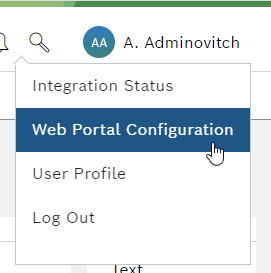
Only the user with the Web Portal Admin role can configure the footer. The configuration interface is accessed by clicking the user name in the header via the Footer and Privacy tabs located under Web Portal Configuration.
The configuration page consists of four sections:
-
Global settings
-
Privacy settings
-
Footer settings
-
Footer links
Global settings
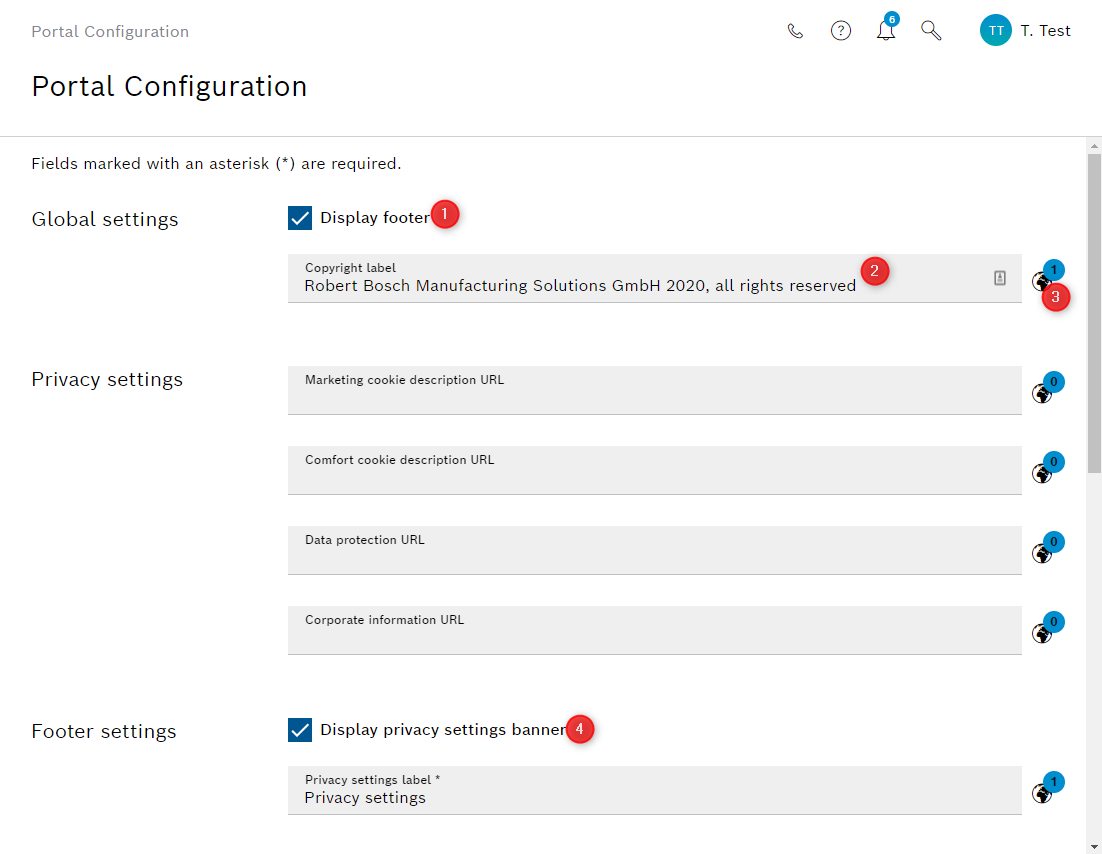
The footer can be turned off completely if desired and legally compliant, by un-checking the "Display footer" checkbox. (1) Neither the copyright nor the footer links nor the links in the privacy settings banner are preset, thus, they need to be given by the customer according to their regulations.
The copyright is displayed if the footer is visible. The copyright symbol (©) is placed in front automatically (2).
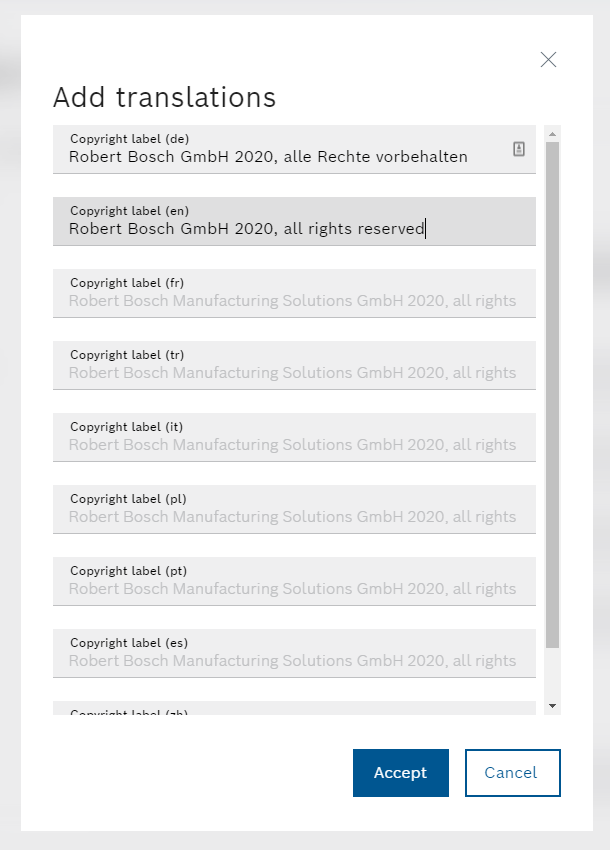
Each of the labels and links can be adjusted for different languages by clicking on the globe icon next to it (3).
Translations can be added for each language available in the system.
Privacy settings
In the privacy settings the respective links need to be set for
-
Marketing cookie description
-
Comfort cookie description
-
Data protection notice
-
Corporate information, e.g., imprint
The links are part of the privacy settings banner, which is displayed to users to decide on their consent, and must be given by the customer. The values are empty by default.
Footer settings
The privacy settings banner can be disabled by un-checking the checkbox if compliant with local legal regulations (4).
Footer links
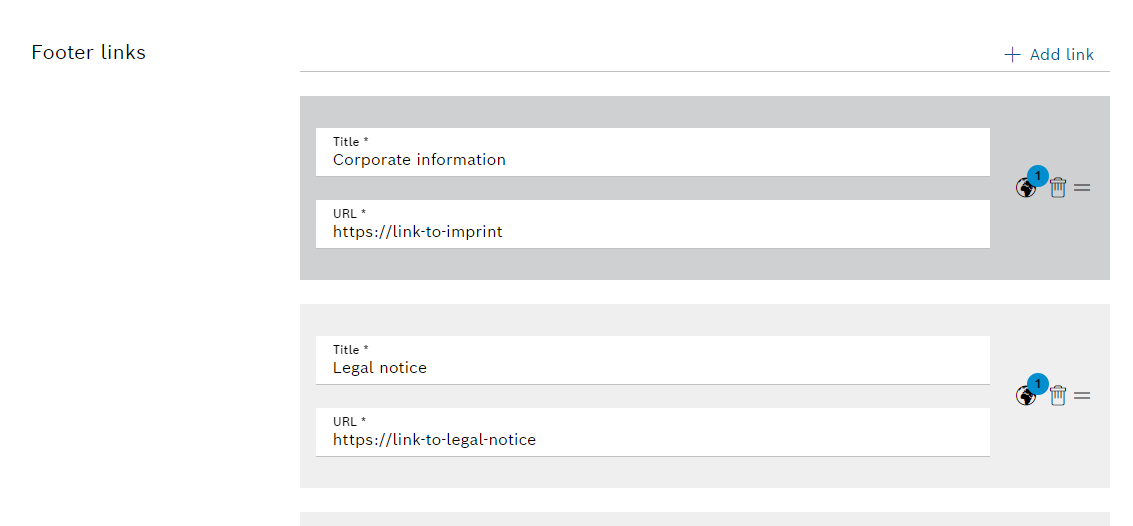
Footer links can be set individually for each organization. Both label and URL can be set per language.
If the available space in the footer is insufficient to display all configured link texts as well as the copyright and the privacy settings link, only the first link text will be displayed permanently. The further link texts as well as the copyright and the privacy settings link can be shown by clicking on the 'Show Footer' button which will then be displayed.