Applying dashboard filters and templates
Prerequisite
You can view the dashboard to be filtered.
-
Open the Dashboards menu entry and select the dashboard.
-
Click the Filter button in the toolbar.
The filter flyout opens. -
In Time Range, choose one of the following options:
-
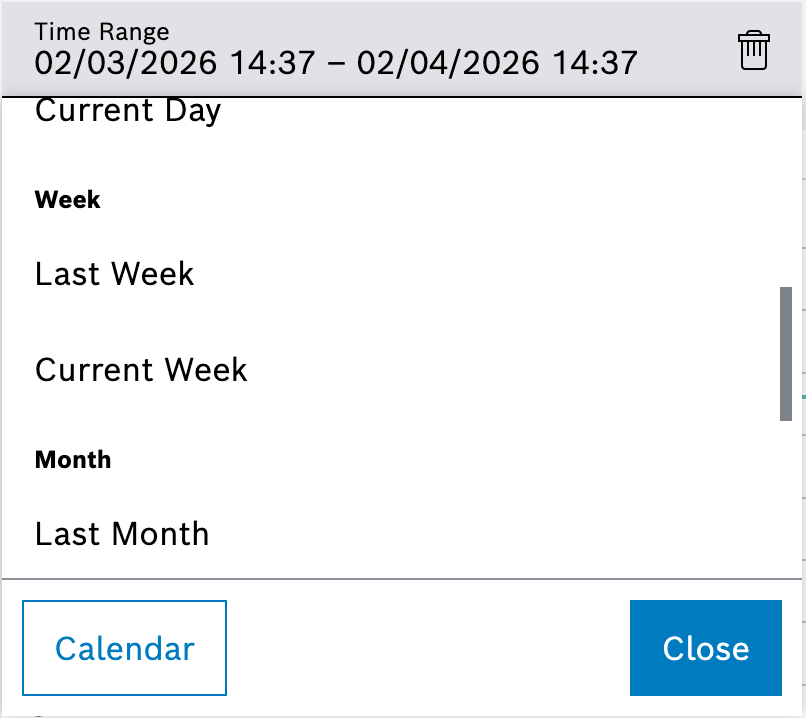
Select Calendar and define start and end timestamps. This is the default view.
-
Select Templates and choose a template such as Last day, Last month, Current day or Current quarter.
-
-
In Equipment, search for and select the assets that should provide data for the widgets.
The widgets, which respond to the filter, reload with the selected equipment and time range, and the parameters are written to the dashboard URL to enable sharing the filtered view.