Meetings: daily morning round
The Meetings area shows a selection of meetings that are scheduled and regularly held. The displayed elements are based on the facility selection.
|
Currently, the daily morning round meeting for lines is available. |
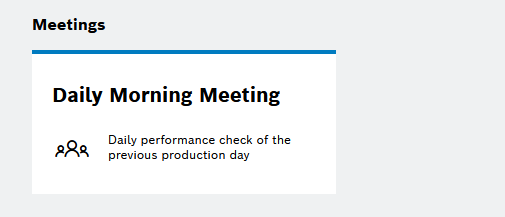
The daily morning round takes place every day in the morning within production. The moderator selects the KPI elements for the daily morning round and conducts the meeting. The line manager assumes the role of the moderator.
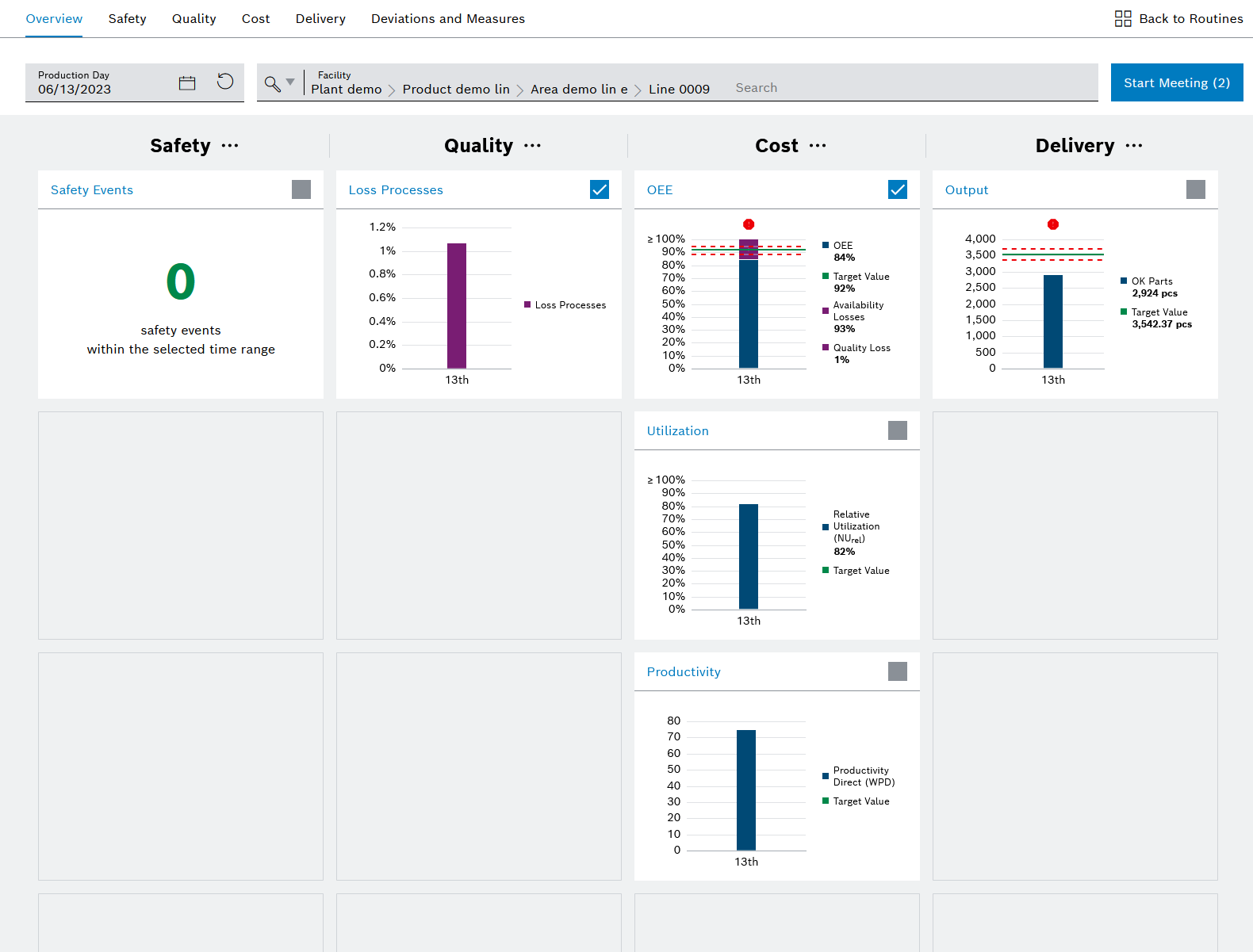
| Element | Description |
|---|---|
|
Select the production date for the daily morning round |
|
Selected facility |
|
Add or remove KPI elements to/from the dashboard using |
|
Add or remove KPI elements for the daily morning round |




Overview tab
The overview tab shows the dashboard with the KPI elements. The moderator performs an initial configuration of the dashboard by providing the various KPI elements; see Prepare dashboard. The moderator can select or deselect KPI items for the daily morning round. The daily morning round can also be started here.
SQCD tab
The tabs with the KPI categories of safety (S), quality (Q), cost © and delivery (D) provide KPIs from other modules such as KPI Reporting, Shift Book and Ticket Management.
-
Safety KPI category
Shows all relevant KPIs related to safety incidents at the plant.
-
Quality KPI category
Shows all quality-relevant KPIs related to the parts produced and the line, e.g. NOK parts or first-pass-yield parts.
-
Cost KPI category
Shows all KPIs for the efficiency of the line, e.g. OEE, downtimes, maintenance windows.
-
Delivery KPI category
Shows all KPIs for the output and performance of the line.
KPI category details can be viewed on the KPI detail pages.
KPI detail pages
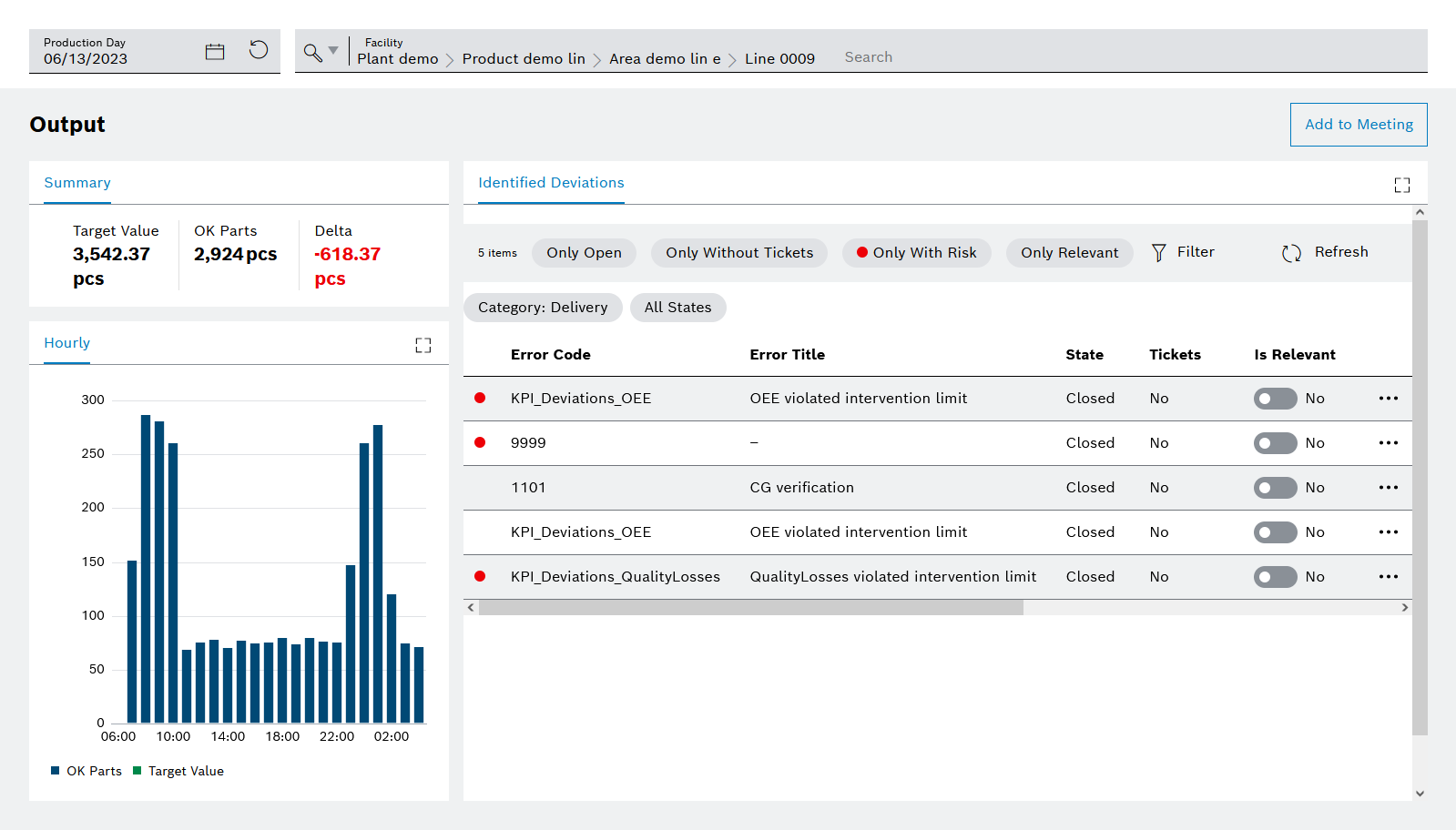
The KPI detail pages provide a more detailed view of each KPI element. The following information is displayed:
-
Summary of the selected production day for the selected KPI element
-
A more detailed breakdown of the KPI element on an hourly basis
-
A more detailed list of the deviations of the respective KPI element
Deviations and measures tab
All deviations for the selected day and for the selected facility are displayed in the deviations and measures tab.
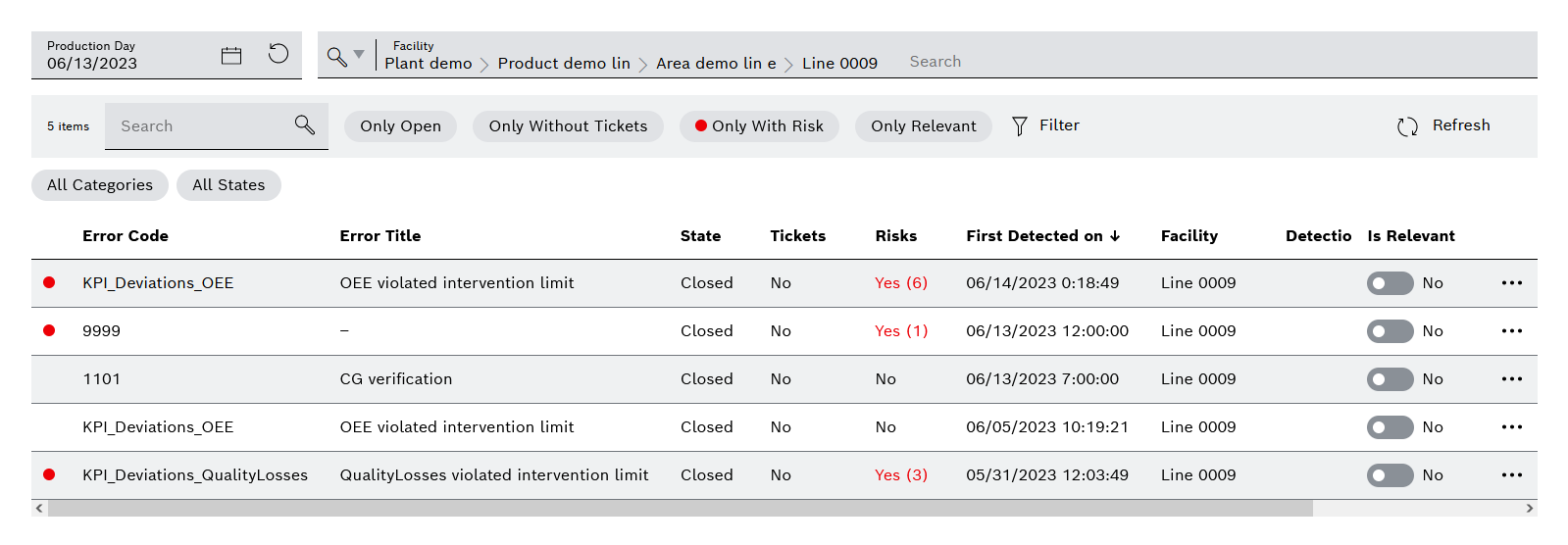
Sorting and filtering options
| Filter | Description | ||
|---|---|---|---|
Search |
|||
Only open |
Shows open deviations |
||
Only without tickets |
Shows deviations for which no ticket has been created |
||
Only with risk |
Shows deviations for which a risk has been added
|
||
Only relevant |
Shows the deviations to be discussed in the daily morning round |
||
Filter |
Selection of the filters in a dialog |
Interaction elements
| Element | Description |
|---|---|
|
Update list of deviations |
Relevant column |
The button can be used to select or deselect the deviation for the daily morning round. |
|
Further actions:
|
