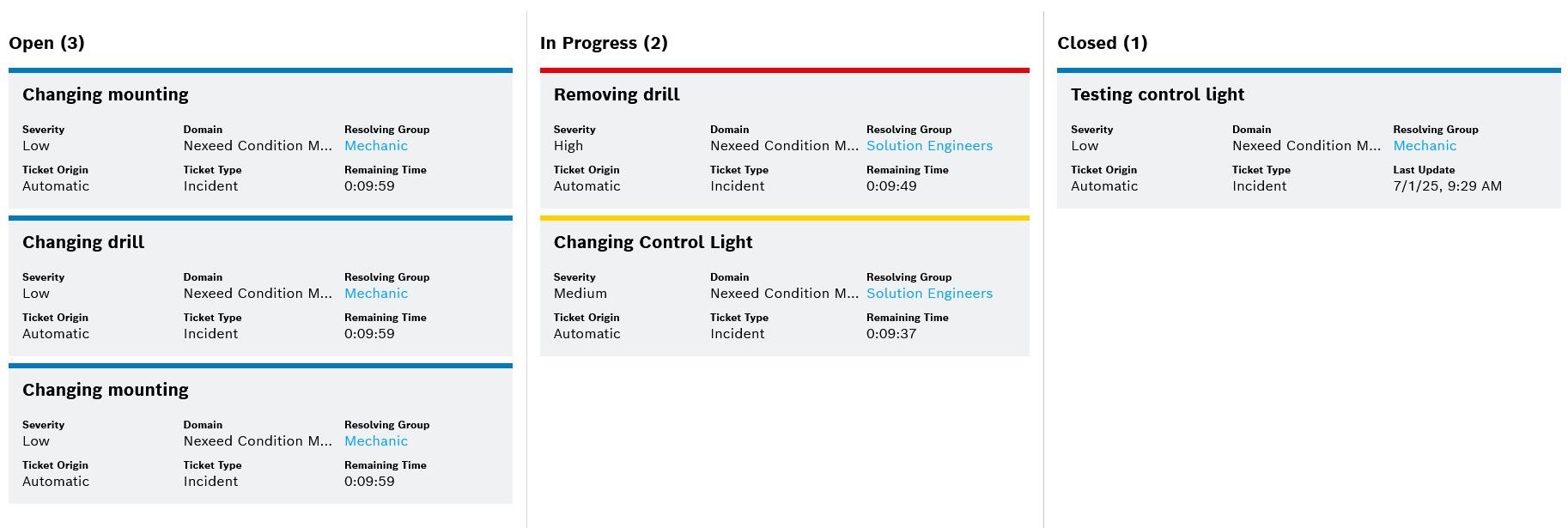
Integrating Ticket Management Views
This guide explains how to integrate various Ticket Management views into your application using the Context Contribution framework. Two types of views are available: Dialog Views and Embedded Views.
Dialog Views
Dialog Views are designed to be opened in a modal or dialog window.
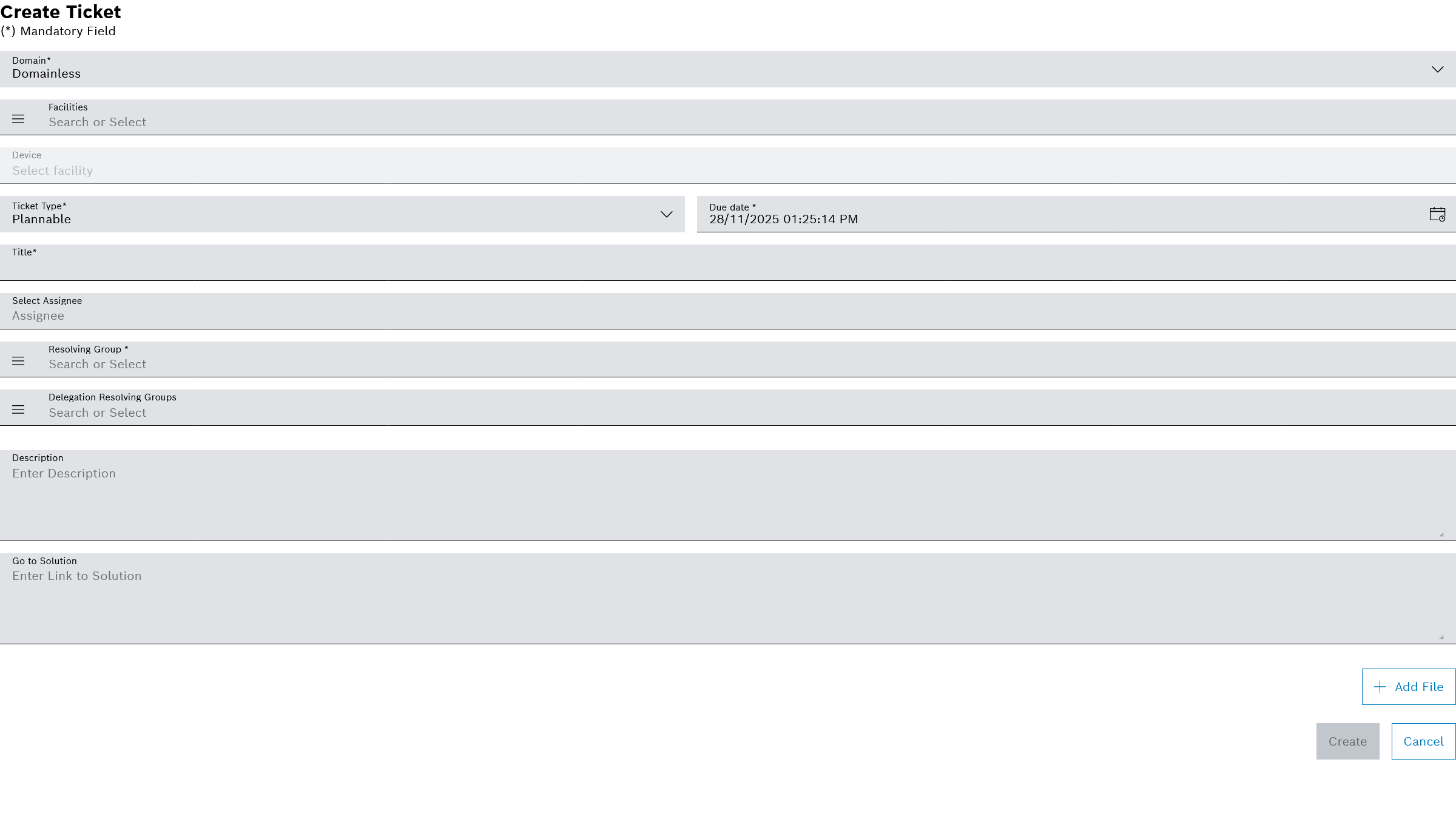
Ticket Creation Dialog
This dialog allows users to create a new ticket. You can optionally pre-select a domain by providing a domain ID.
Context Type |
|
|---|---|
Context Name |
|
Version |
|
URL Property |
|
|
Optional. The domain ID to pre-select in the creation dialog. |
|---|
[
  {
    "contributionId": "702afaaa-f46a-4f1e-be3a-5daee47bf6cc",
    "contextName": "TM_TICKET_CREATE_DIALOG_VIEW",
    "contextType": "DIALOG_VIEW",
    "contextVersion": "1.0",
    "resourceId": "urn:com:bosch:bci:tm:ts:Context-Contributions",
    "resourceType": "urn:com:bosch:bci:tm:ticket-service:static:context-contributions",
    "contribution": {
        "url": "${TM_URL}/ts/ticket-management-iframes/iframe-views/embed/ticket-creation-contributor/##id##?tenantId=##tenantId##"
     }
  }
]
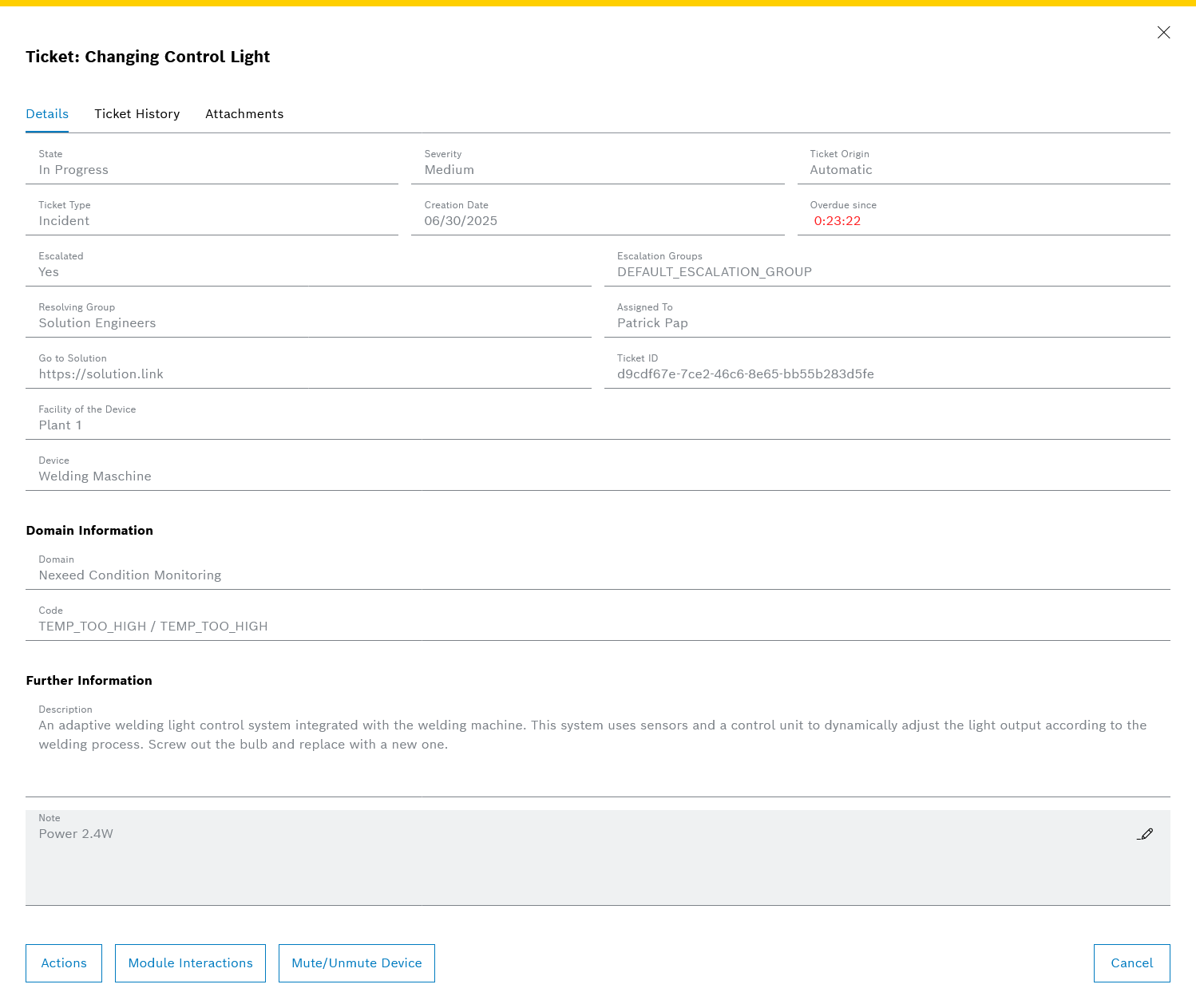
Ticket Details Dialog
This dialog displays the details of a specific ticket for viewing or updating.
Context Type |
|
|---|---|
Context Name |
|
Version |
|
URL Property |
|
|
Required. The ID of the ticket to display. |
|---|
[
  {
    "contributionId": "2d57ee18-34f9-43dc-bbda-19f2a2cf7346",
    "contextName": "TM_TICKET_DETAILS_DIALOG_VIEW",
    "contextType": "DIALOG_VIEW",
    "contextVersion": "1.0",
    "resourceId": "urn:com:bosch:bci:tm:ts:Context-Contributions",
    "resourceType": "urn:com:bosch:bci:tm:ticket-service:static:context-contributions",
    "contribution": {
        "url": "${TM_URL}/ts/ticket-management-iframes/iframe-views/embed/ticket-details-contributor/##id##?tenantId=##tenantId##"
     }
  }
]
Embedded Views
Embedded Views are designed to be placed directly within the layout of your application, for example, in a dashboard widget.
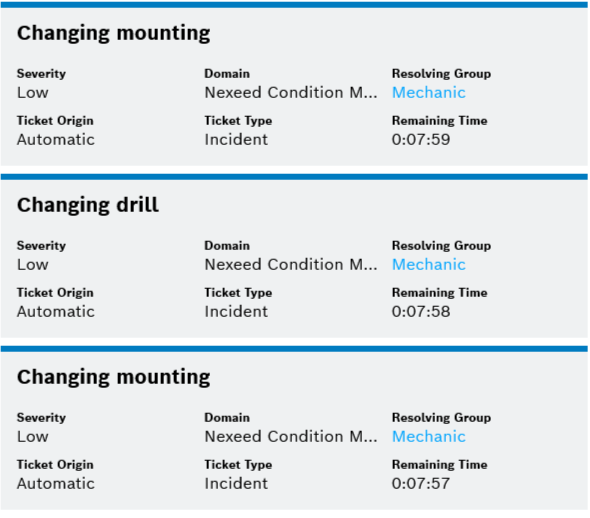
Ticket Tile List
This view displays a list of tickets as tiles, based on a provided list of ticket IDs.
Context Type |
|
|---|---|
Context Name |
|
Version |
|
URL Property |
|
|
Required. A comma-separated string of ticket IDs to display. |
|---|
ids parameterids=1f9952d8-45d5-4775-9d21-c552fcc665c4,e7551585-4651-4673-8be6-f6658ea24846
[
  {
    "contributionId": "b8635d7b-8b6c-4c38-be32-6ae29619eb6d",
    "contextName": "TM_TICKET_TILE_LIST_VIEW",
    "contextType": "EMBEDDED_VIEW",
    "contextVersion": "1.0",
    "resourceId": "urn:com:bosch:bci:tm:ts:Context-Contributions",
    "resourceType": "urn:com:bosch:bci:tm:ticket-service:static:context-contributions",
    "contribution": {
        "url": "${TM_URL}/ts/ticket-management-iframes/iframe-views/embed/ticket-tile-list-contributor?tenantId=##tenantId##&ids=##ids##"
    }
  }
]
Plain Ticket Board
This view displays the Ticket Management board without the main action bar, allowing for a cleaner, more focused presentation. The board can be pre-filtered.
Context Type |
|
|---|---|
Context Name |
|
Version |
|
URL Property |
|
|
Optional. A URI-encoded JSON string of |
|---|
// 1. Define the filter parameters using the TicketParams model.
const filterParams: TicketParams = {
    severity: 'LOW',
    search: 'Test',
    domainContexts: [{ domain: 'CPM', context: [] }]
};

// 2. Stringify and encode the parameters.
const filters = encodeURIComponent(JSON.stringify(filterParams));

// 3. Get the context contribution.
const embeddedViewResult = await view.getContextContribution(
    'EMBEDDED_VIEW',
    'TM_TICKET_BOARD_PLAIN_VIEW',
    '1.0'
);

// 4. Embed the view with the filters.
const urlParams: Record<string, string> = { filters };
view.embedView(embeddedViewResult[0], this.iframeEl?.nativeElement, urlParams);[
{
"contributionId": "00458f8e-481b-4c9f-927e-8e9546ef8893",
"contextName": "TM_TICKET_BOARD_PLAIN_VIEW",
"contextType": "EMBEDDED_VIEW",
"contextVersion": "1.0",
"resourceId": "urn:com:bosch:bci:tm:ts:Context-Contributions",
"resourceType": "urn:com:bosch:bci:tm:ticket-service:static:context-contributions",
"contribution": {
"url": "${TM_URL}/ts/ticket-management-iframes/iframe-views/embed/ticket-board-plain-contributor?tenantId=##tenantId##&filters=##filters##"
}
}
]