Registered actions
Other actions can be made available for deviations via registered reaction executing systems. The actions can be selected for the quick reactions.
Reaction executing systems are registered via the API.
For example, the Ticket Management module can be registered with the action to create tickets in the event of deviations. The action is then available for selection in the quick reactions.
Validate the schema of a registered action
The schema for user-defined fields of a reaction executing system can be validated manually to simplify integration for developers of reaction executing systems and correct any errors in advance.
Requirements
-
Administratorrole
Procedure
-
Call up the Registered actions tab in the Shopfloor management > Deviation processor menu.
-
Click
 Validate schema.
 -
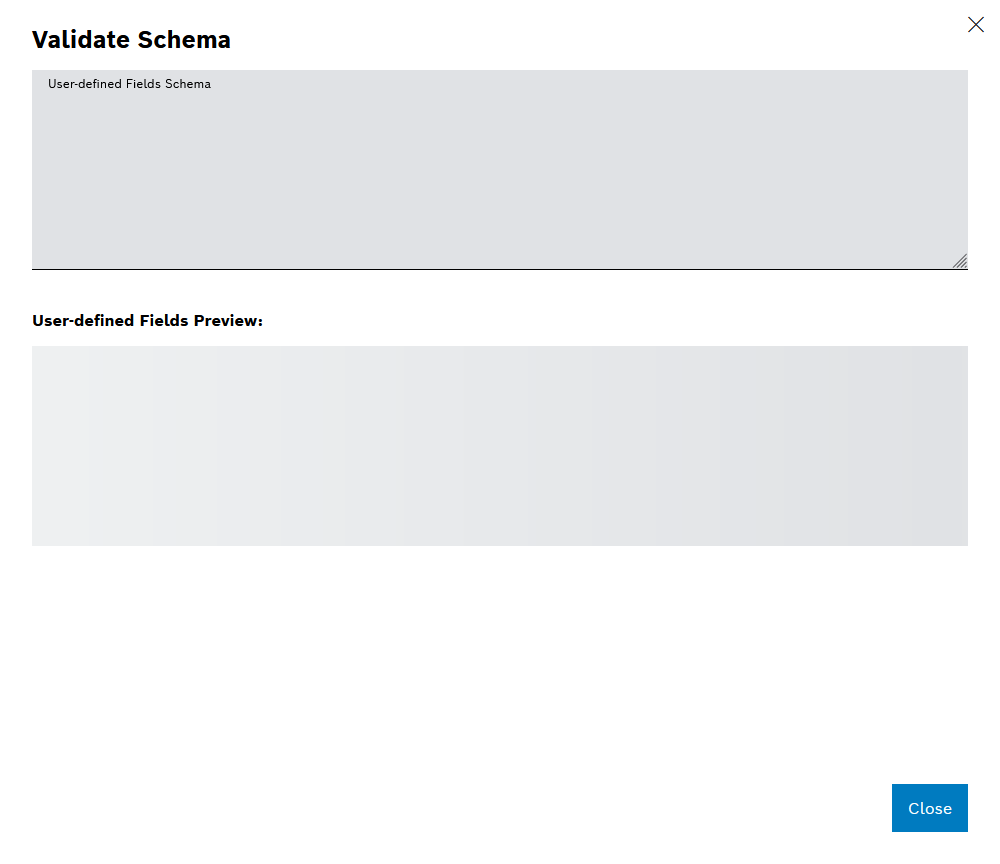
The Validate schema dialog opens.
-
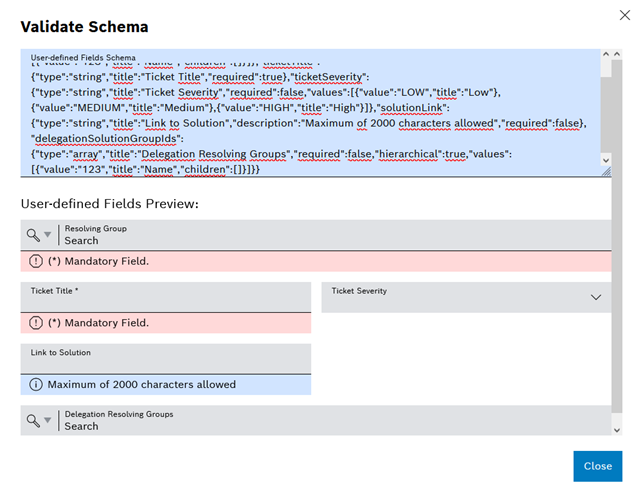
In Schema for user-defined fields , enter a schema to test the registered action.
The user-defined fields of the entered schema are displayed in the preview.
View details of a registered action
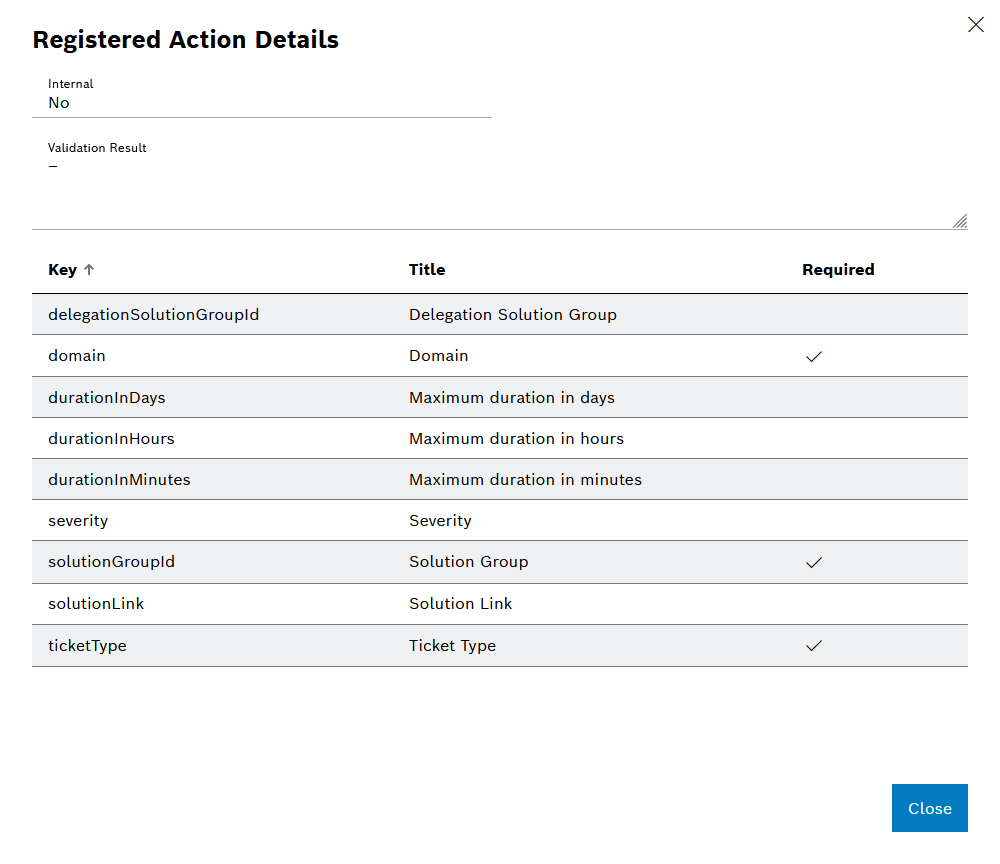
The action details show all the details for registering a reaction executing system, such as any errors that occurred during registration.
Requirements
-
Administratorrole -
At least one module has been registered with an action.
Procedure
-
Call up the Registered actions tab in the Shopfloor management > Deviation processor menu.
-
Click on
 in the row of the respective registered action.
The Details of the registered action dialog opens.