Diese Seite ist nur auf Englisch verfügbar.
Setting cookies in the browser
|
The cookies must be set in the browser that is used to display the content. |
A cookie banner is displayed in the Smart Operations Toolkit. To prevent the banner from being displayed again, cookies must be accepted.
Accepting or rejecting cookies in the cookie banner
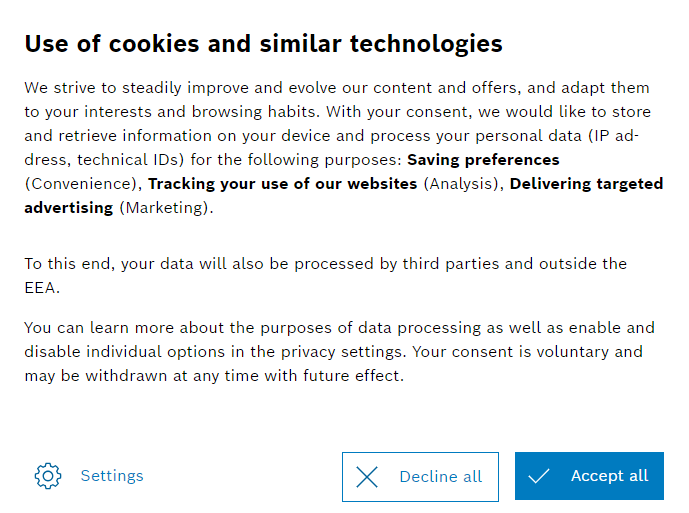
The cookies are saved depending on which selection is made.
A new preference query is displayed:
-
If one or more checkboxes are activated: after one year.
-
If no checkbox is activated: after one month.
Setting cookie manually in the browser
Alternatively, the do-consent cookie can be set manually in the browser for the Smart Operations Toolkit.
Example:
do-consent: \{“consent”:\{“convenience”:true,”analysis”:false,”marketing”:true,”custom”:[]},”timeToLive”:365,”timestamp”:1706715823318,”version”:4}
| Element | Description |
|---|---|
Consent.convenience/analysis/marketing/custom |
true = Consent to cookies of this type. false = Reject cookies of this type. |
TimeToLive |
Days since 'timestamp' until the cookie preferences are queried again. |
Timestamp |
Unix time stamp (seconds since January 1, 1970 UTC) for preference selection time. |
Version |
Version of the cookie banner or the storage format of the preferences. |
Continue with: Configuring the automatic logout in the Smart Operations Toolkit.