Diese Seite ist nur auf Englisch verfügbar.
Welcome dashboard
A shared welcome dashboard is available and can be linked to the user account.
-
Open the Dashboards menu entry.
-
Click on
 .
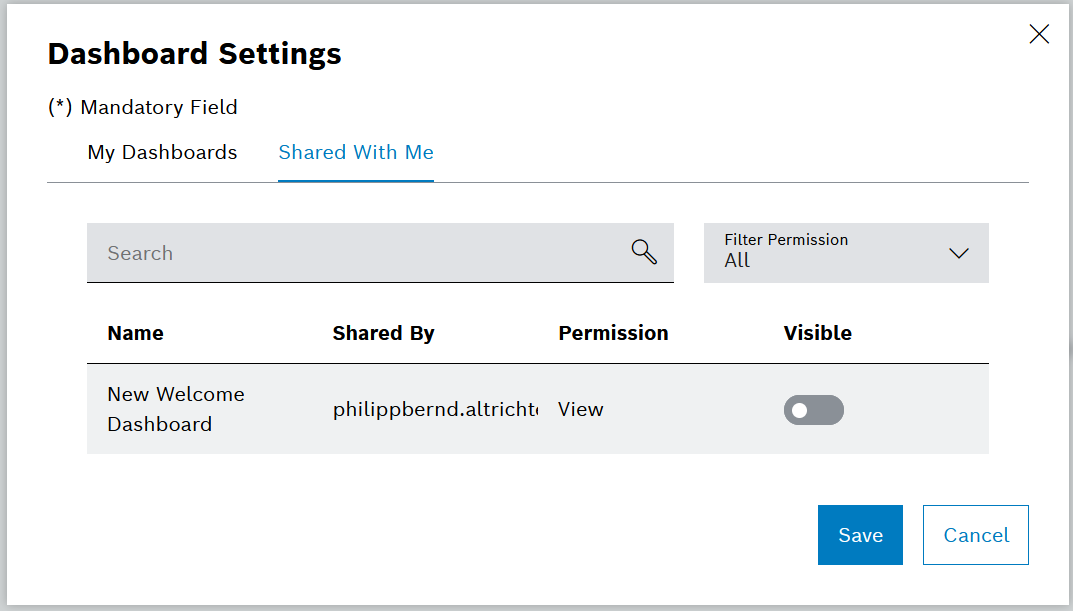
.The dialog window opens.
-
Click on the Shared With Me tab.
-
To create the New Welcome Dashboard, activate the switch.
-
Confirm with Save.
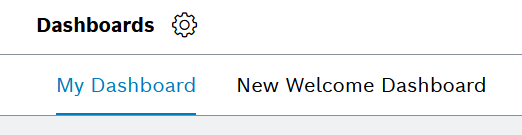
The New Welcome Dashboard tab has been created.
-
On the dashboard overview, click on the New Welcome Dashboard tab.
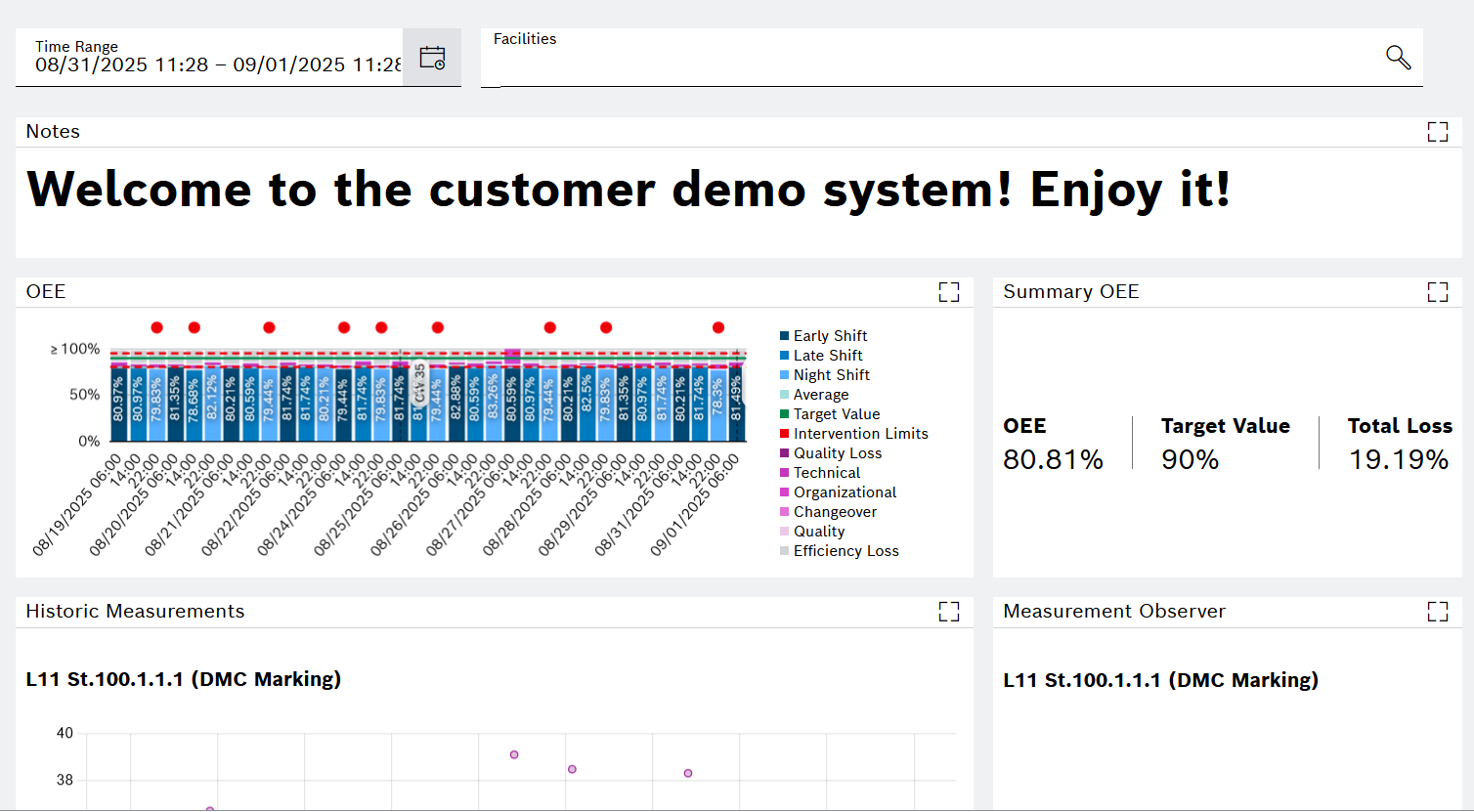
The page reloads with the prepared New Welcome Dashboard showing several widgets with data.