Diese Seite ist nur auf Englisch verfügbar.
Login
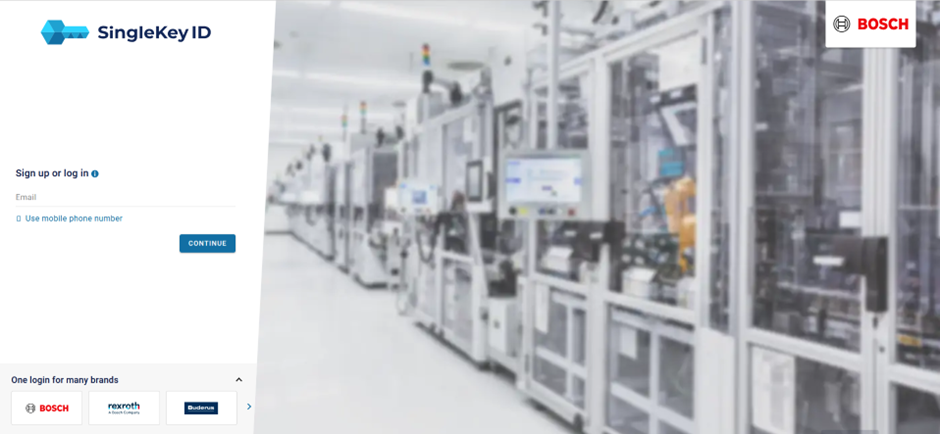
The standard approach to log into the system is the login dialog. Some environments use additional identity providers like Microsoft Entra ID or SingleKey ID. If external identity providers are set as the default or only login method, a redirect is initiated automatically.
Login form
-
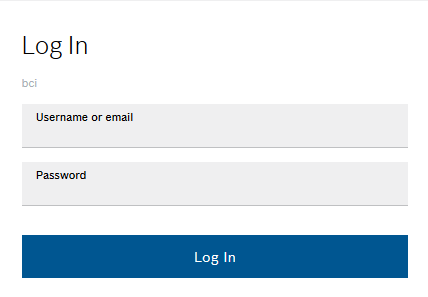
Open the provided URL.
The dialog window opens.
-
Enter the user credentials.
-
Click on Log In.
The main screen of Web Portal opens.
Microsoft Entra ID or similar
In enterprise environments, active directory services are widely used for convenience and SSO capability. Smart Operations Toolkit supports manual or automatic login via Browser-SSO.
-
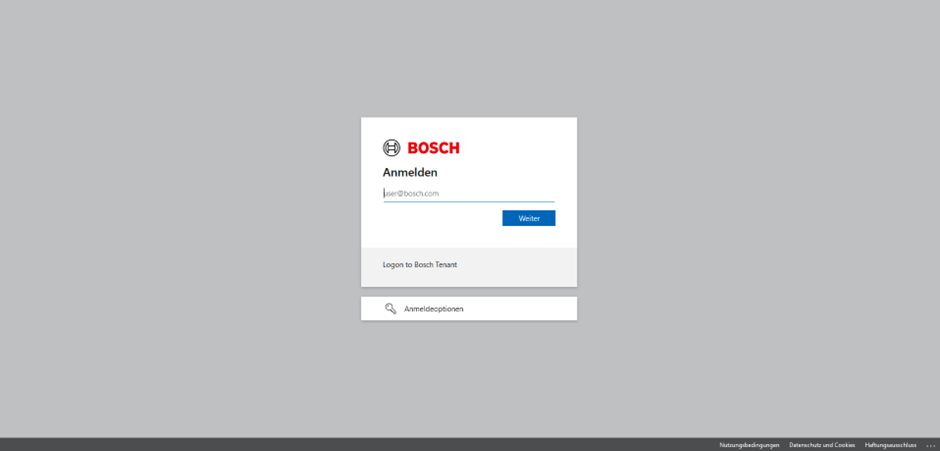
Open the provided URL.
The browser redirects to the login screen of the identity provider.
-
Enter the user credentials.
-
Click on Continue.
The main screen of Web Portal opens.